Image editing guides.
Practical guides on formats, compression, cropping, and the small habits that add up to a faster, sharper site.
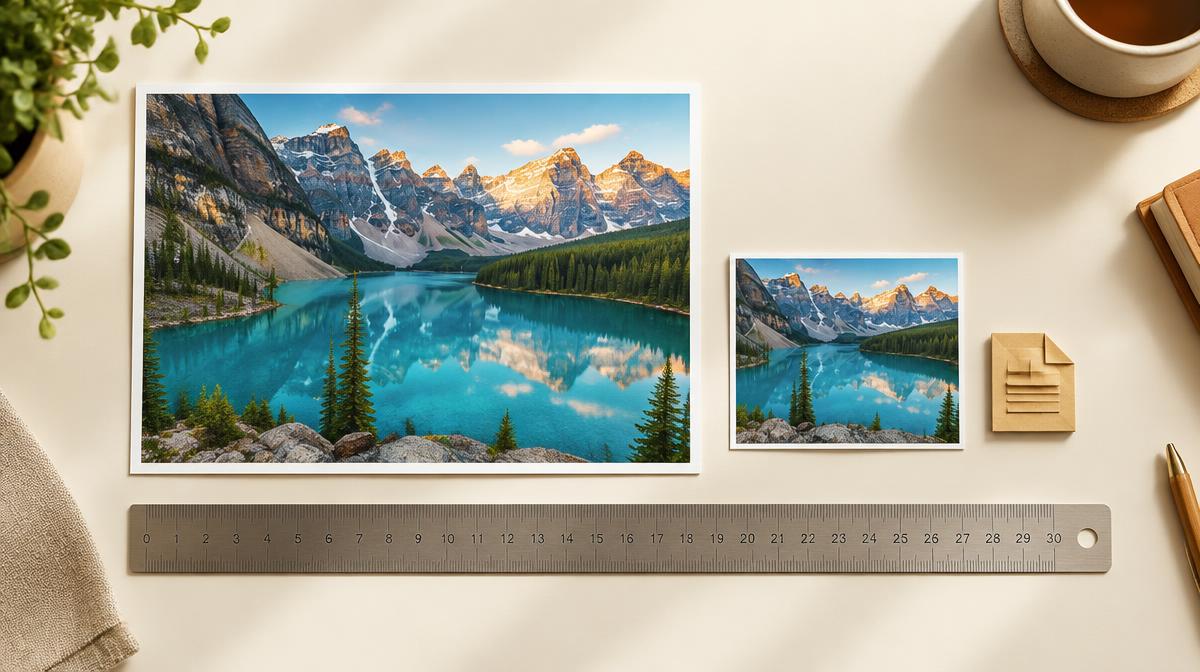
More guides
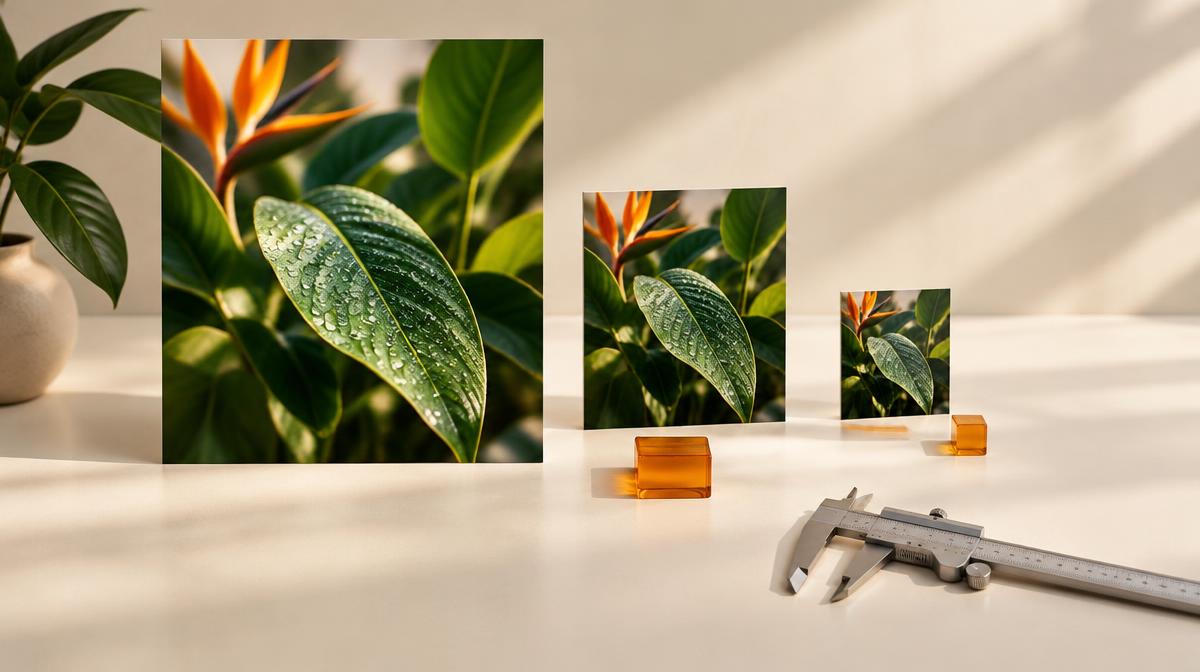 Compression
How to Reduce an Image Below 100 KB, 200 KB or 1 MB
A careful workflow for meeting upload limits using dimensions, format and quality—with no guaranteed-size shortcuts.
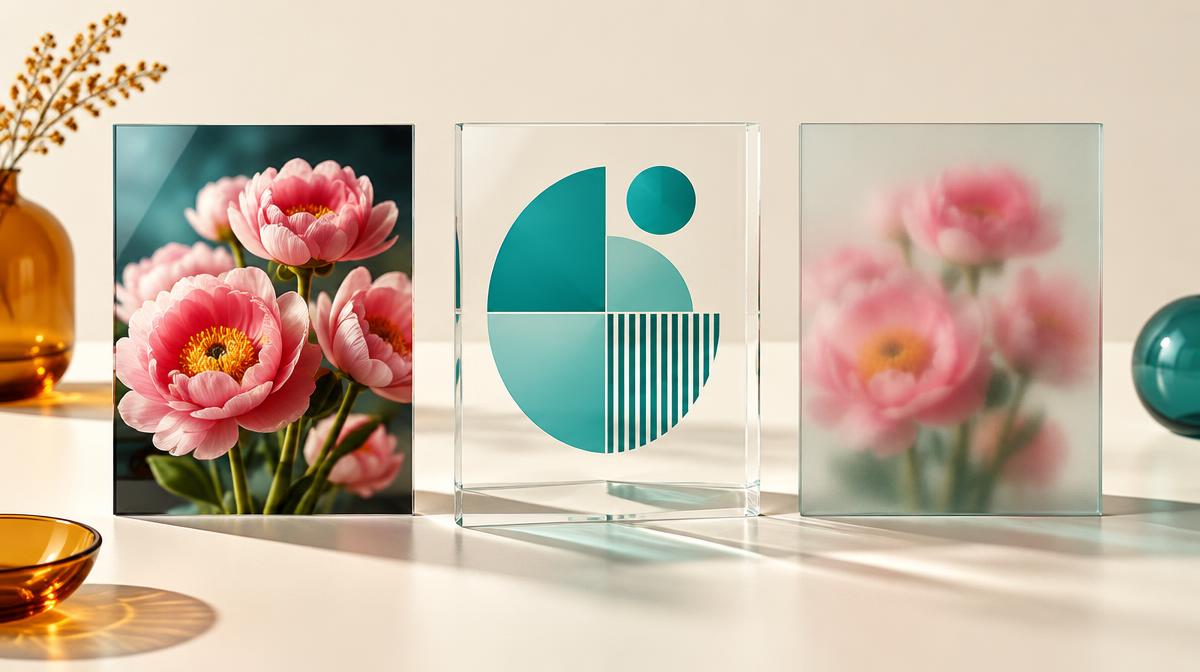 Formats
JPG vs. PNG vs. WebP: Which Image Format Should You Use?
Compare photo quality, transparency, compatibility and file size before choosing an image format.
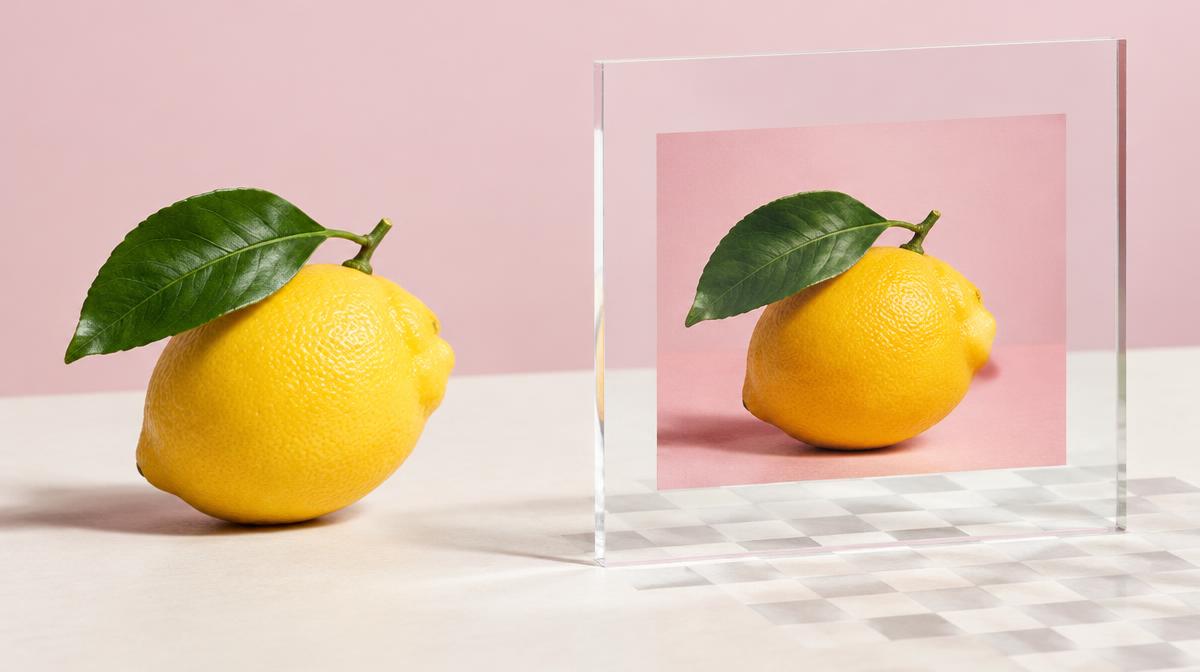 Conversions
JPG to PNG: What Changes, What Does Not, and When to Convert
Understand why JPG-to-PNG conversion does not restore lost detail or automatically remove a background.
 Conversions
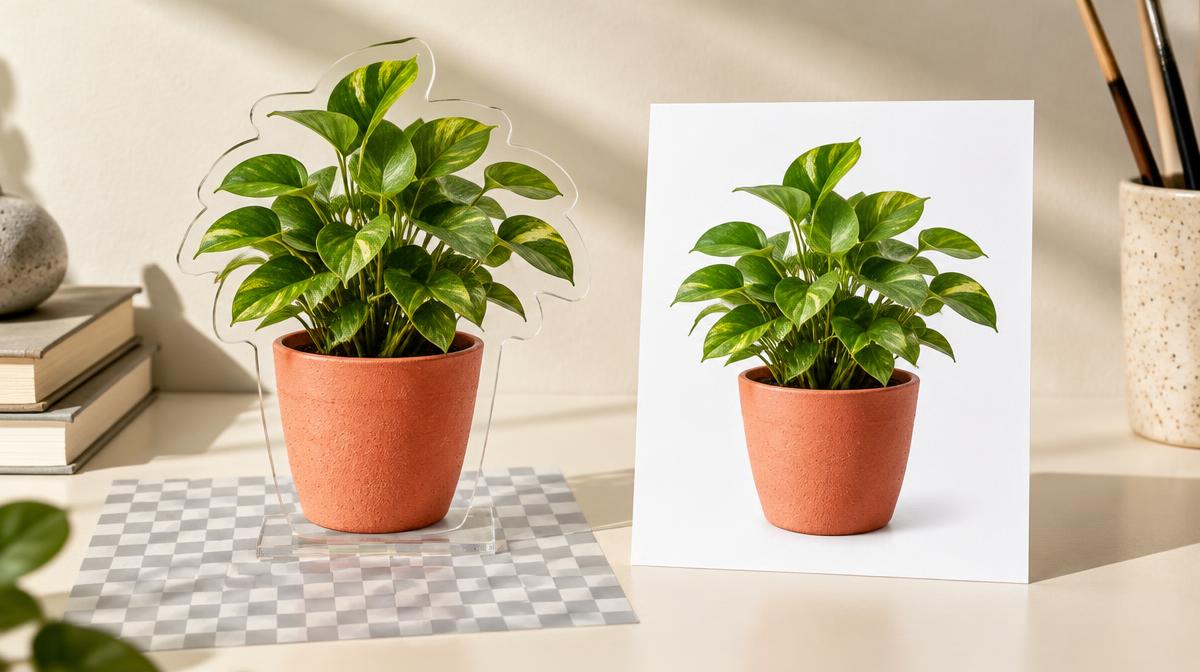
PNG to JPG: Reduce Photo File Size and Handle Transparency
Convert PNG photos to JPG with the right quality setting and understand why transparent areas become white.
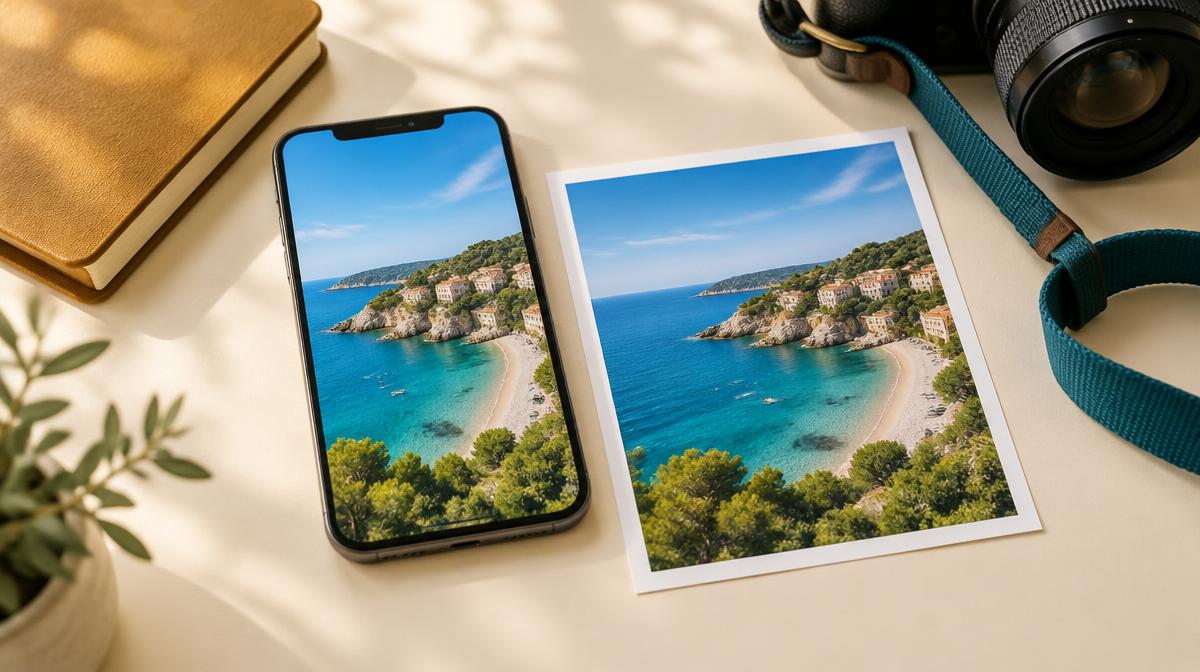 Photo guides
How to Convert HEIC to JPG for iPhone Photo Uploads
Make a compatible JPG copy of a HEIC photo, choose sensible quality, and keep your original for future edits.
 Document guides
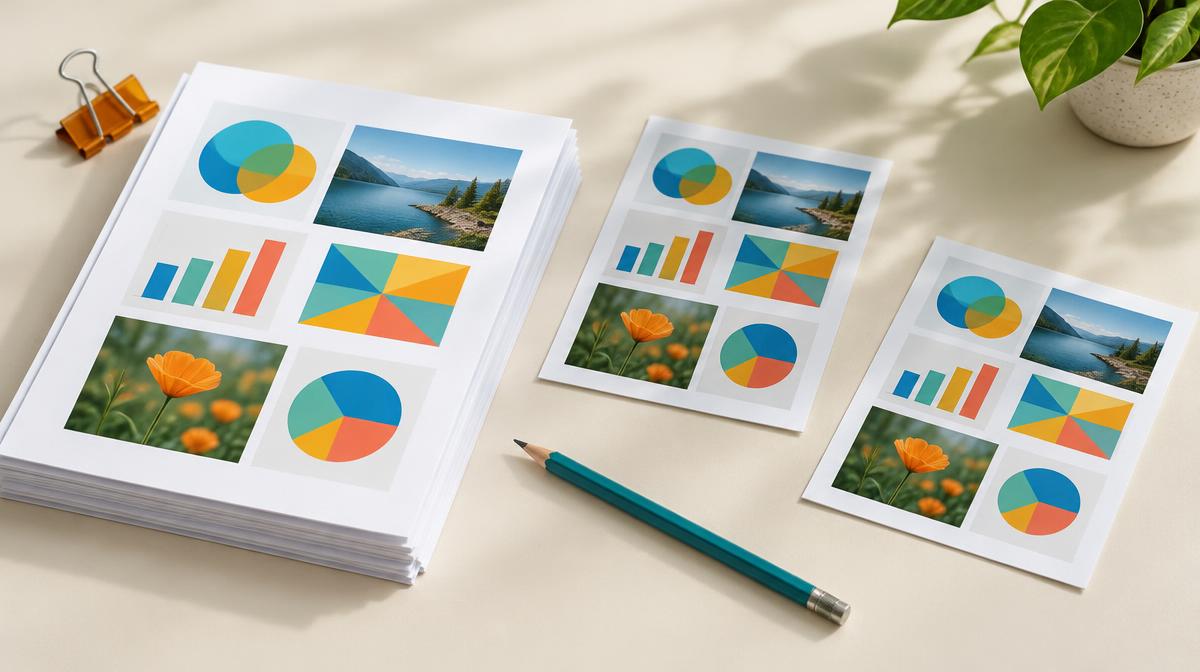
PDF to JPG or PNG: Choose the Right Format and Resolution
Export PDF pages as images, understand the resolution control, and avoid losing the document features you still need.
 Editing tutorials
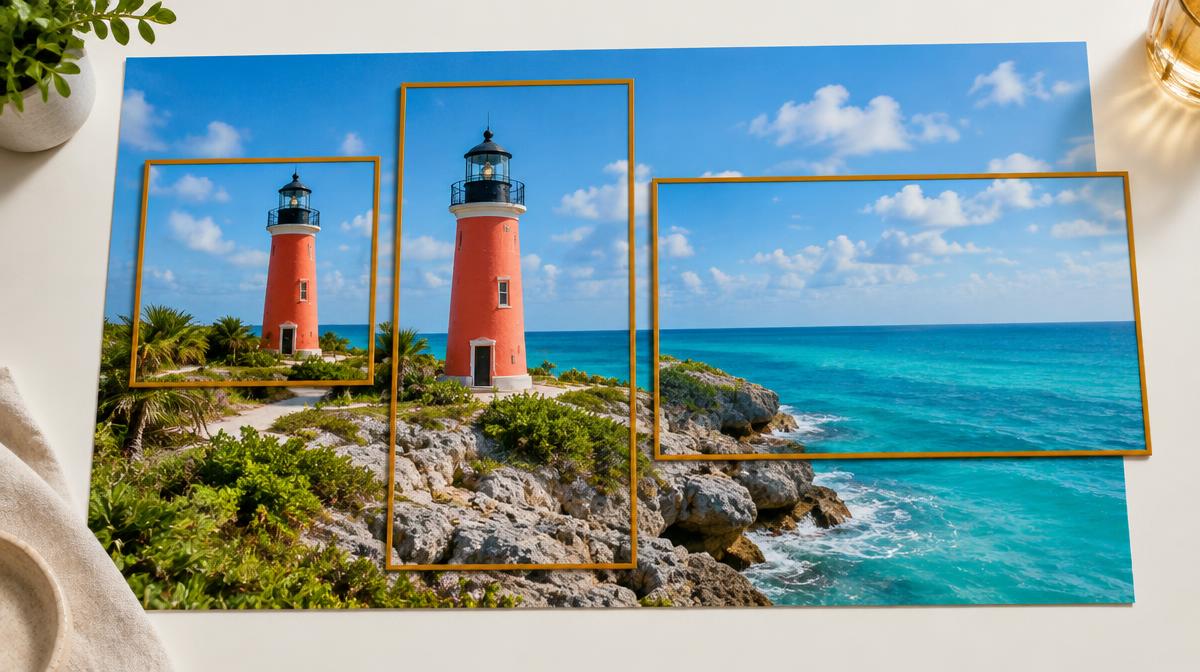
How to Crop an Image: Aspect Ratios, Framing and Clean Exports
Use square, portrait and landscape crops without stretching the subject or cutting away important details.
 Website images
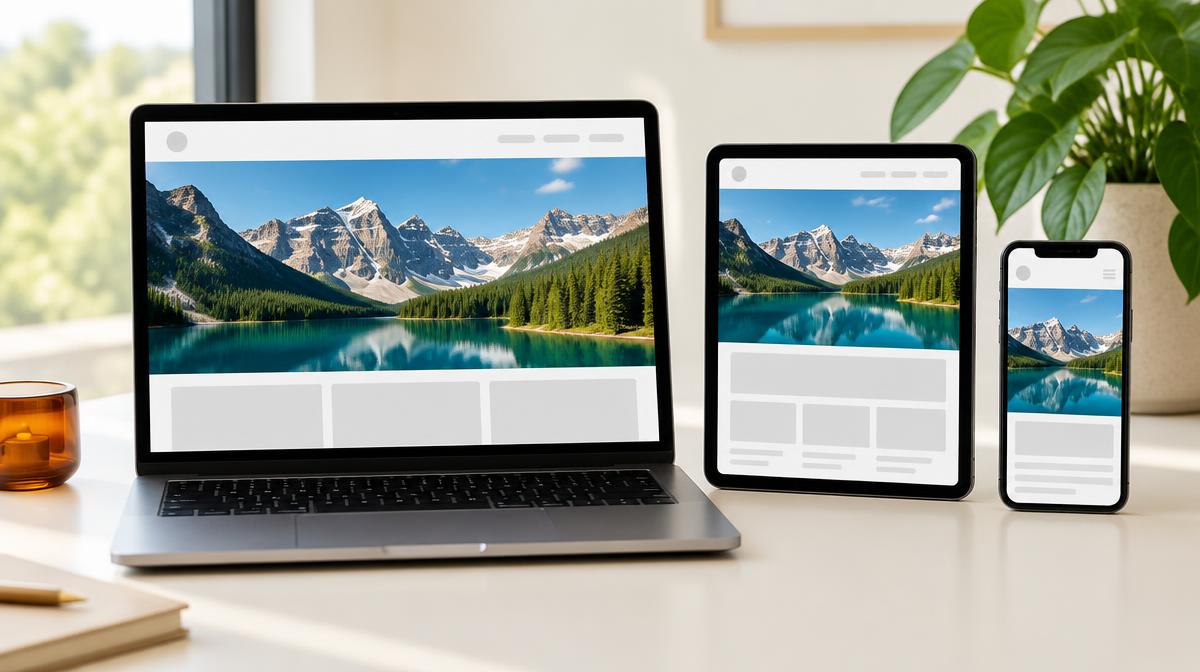
How to Optimize Website Images for Speed and Image SEO
Prepare correctly sized images, choose useful formats, and support discoverability with filenames, alt text and page context.
 Design guides
How to Add Readable Text to a Thumbnail Without Clutter
Build a clear 1280 × 720 thumbnail with focused wording, balanced placement and text that remains legible when reduced.